

Step 1: Camera Spatial Alignment
1.1 Check Streaming
Ensure all cameras are actively streaming and that their video feeds are visible.1.2 Adjust Camera Placement
To check the placement, have someone move around the capture space. Optimal placement is achieved when the subject is clearly and simultaneously visible from all camera angles. For best results, ensure all cameras can see the user’s full body in T-Pose.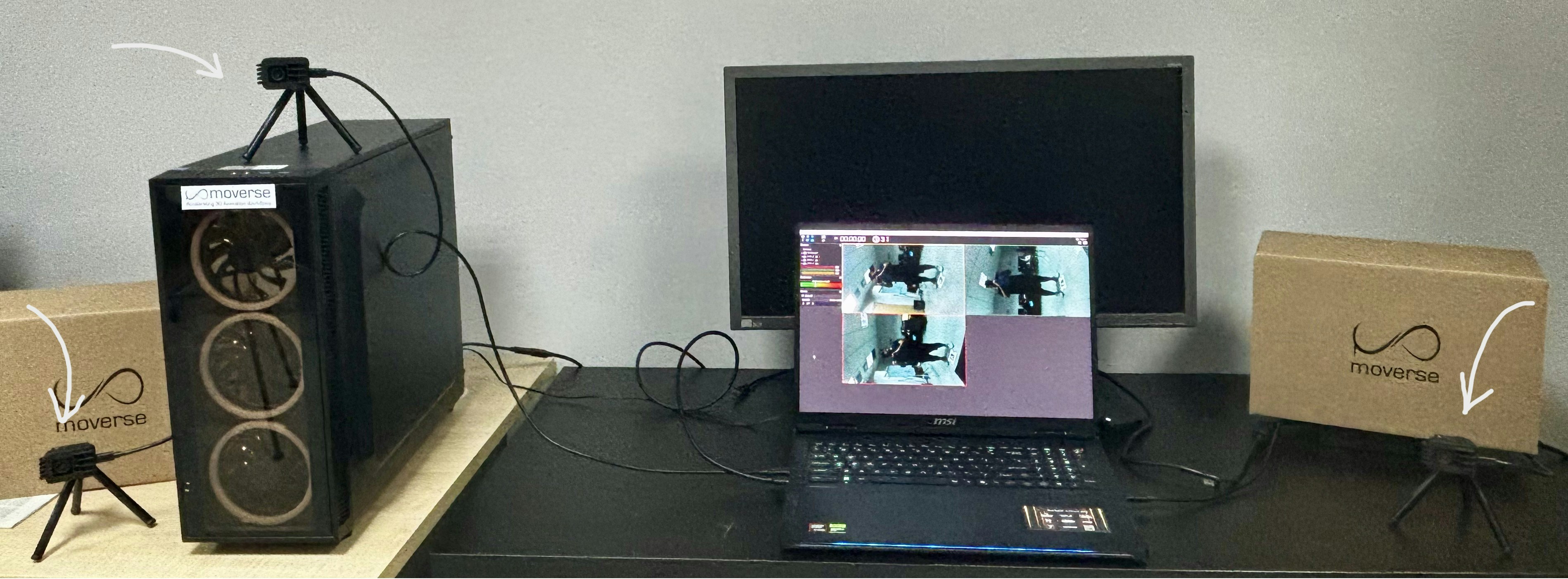
Indicative camera placement to capture the user's full body
1.3 Start Multi-camera Calibration
Click the camera calibration icon located on the top toolbar of the studio interface.1.4 Enter Capturing Space with Calibration Accessories
Enter the capturing space with the provided calibration board.1.5 Monitor Calibration Progress
Watch the calibration progress bars for each camera. The bars will fill up as the system gathers calibration data.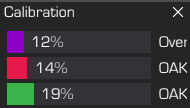
Calibration progress bars loading for each camera and overall.
1.6 Complete Calibration
Calibration is complete once all bars reach 100%.1.7 Evaluate Calibration Quality
After calibration finishes, review the precision. A quality bar will display the overall result. The closer the indicator is to the green side, the better the calibration. If you are not satisfied with the quality, please repeat the process.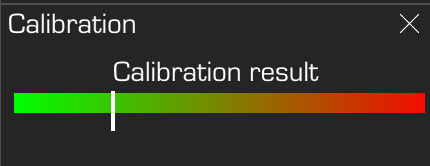
Calibration quality bar
Step 2: Setting the Coordinate System Origin
2.1 Place Calibration Accessory
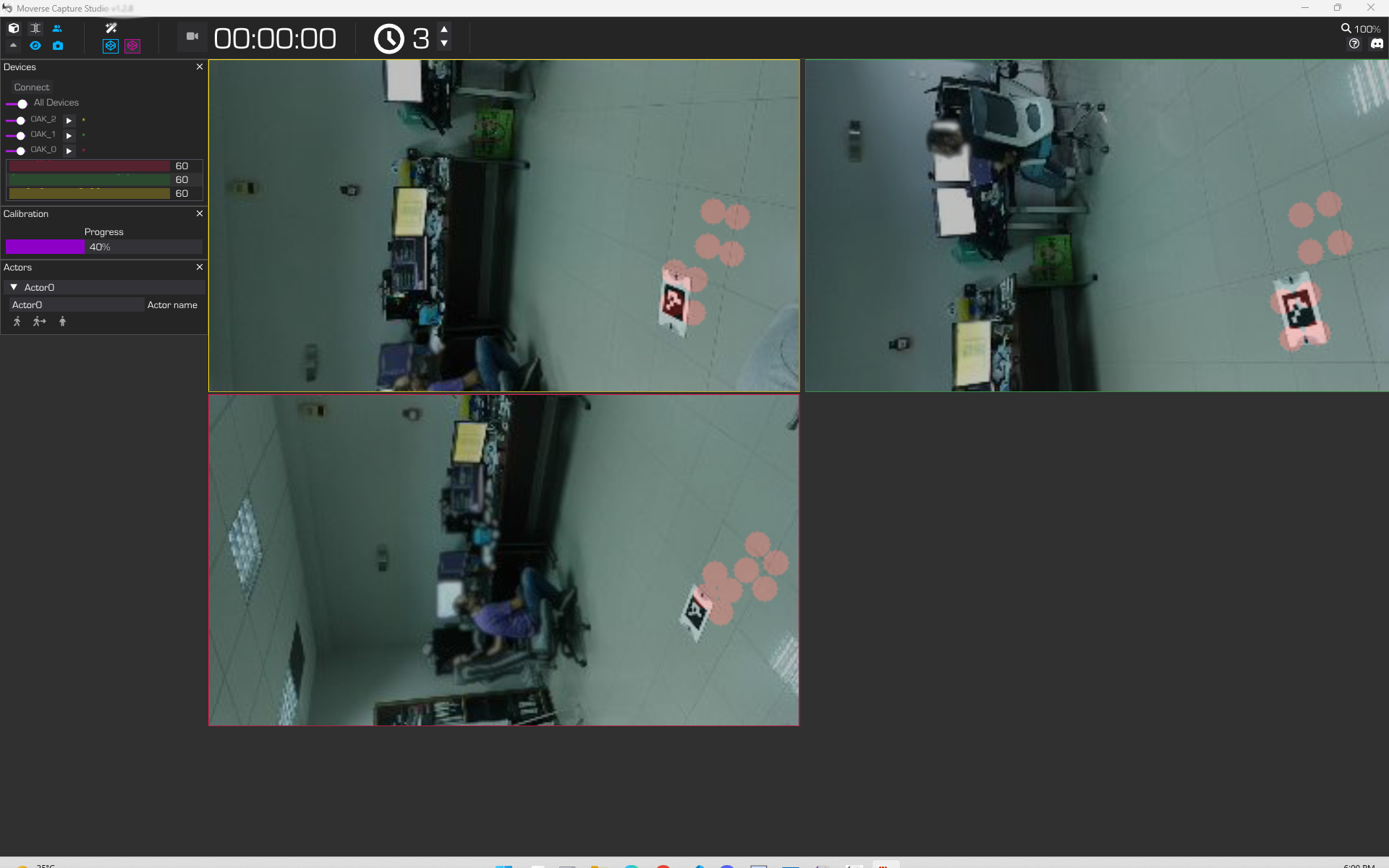
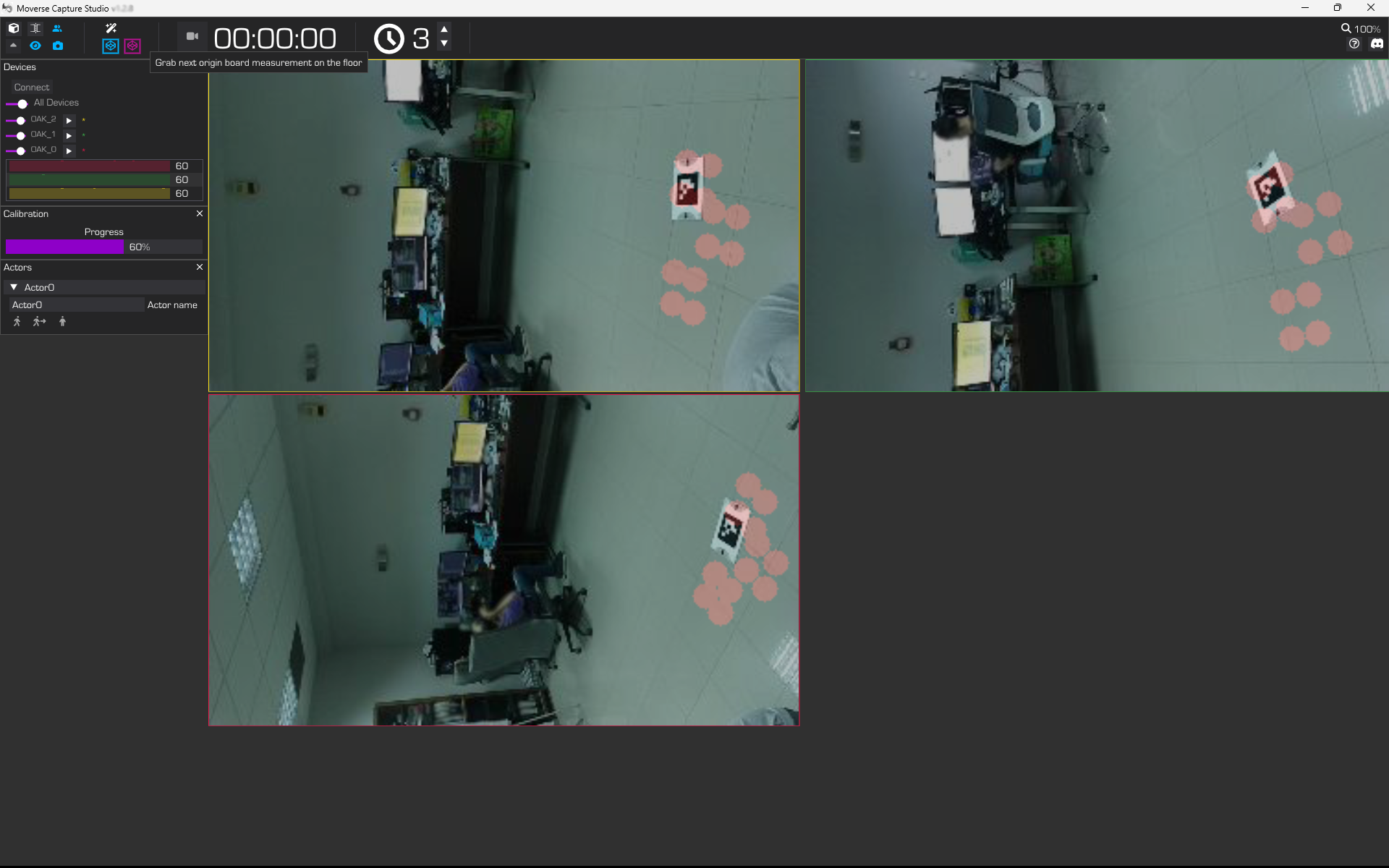
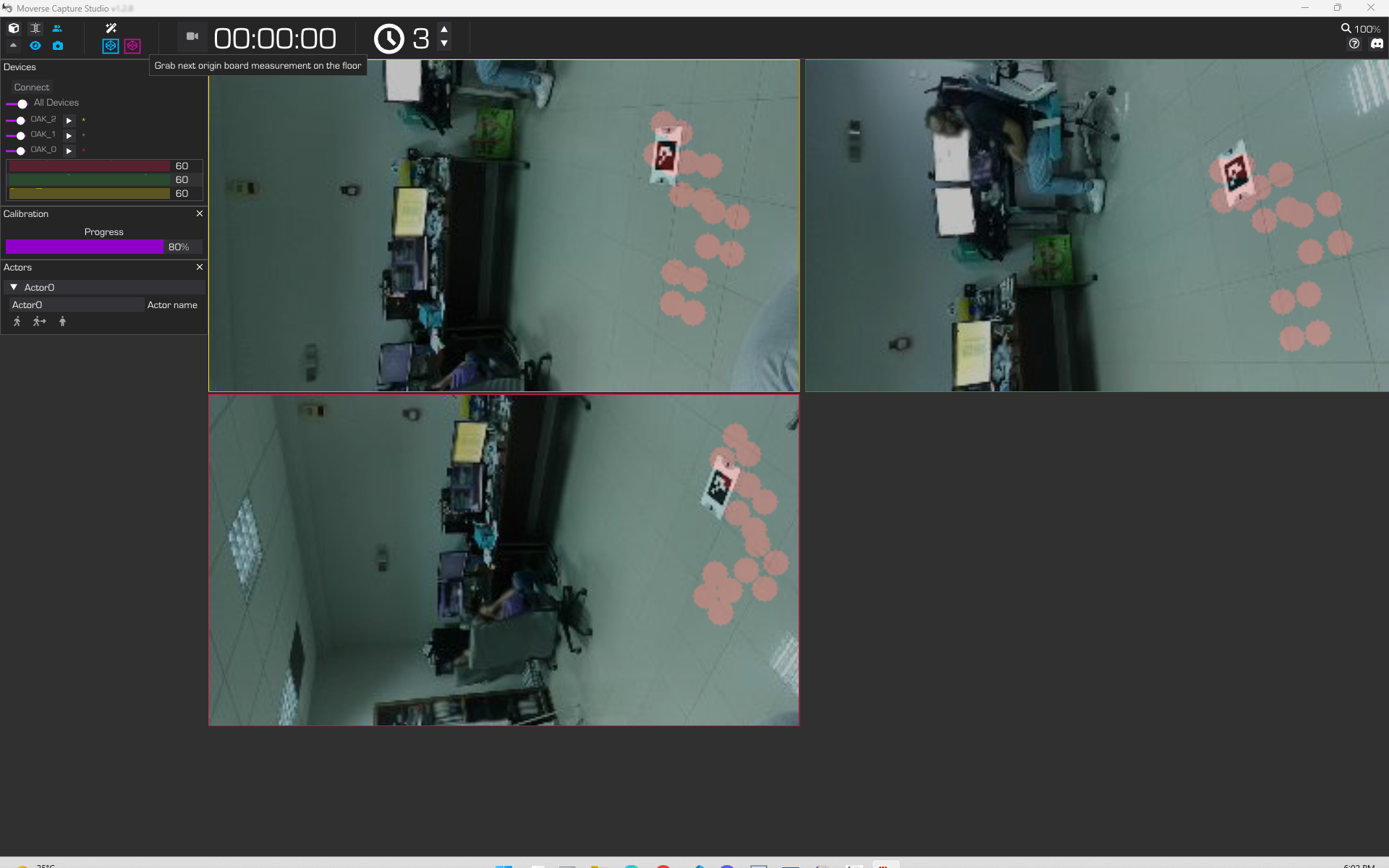
Place the calibration board flat on the floor. You will need to take 5 measurements (until the progress bar reaches 100%). To take a measurement, press the purple origin button that appears next to the icon when origin calibration begins. See the step-by-step visual example below for reference.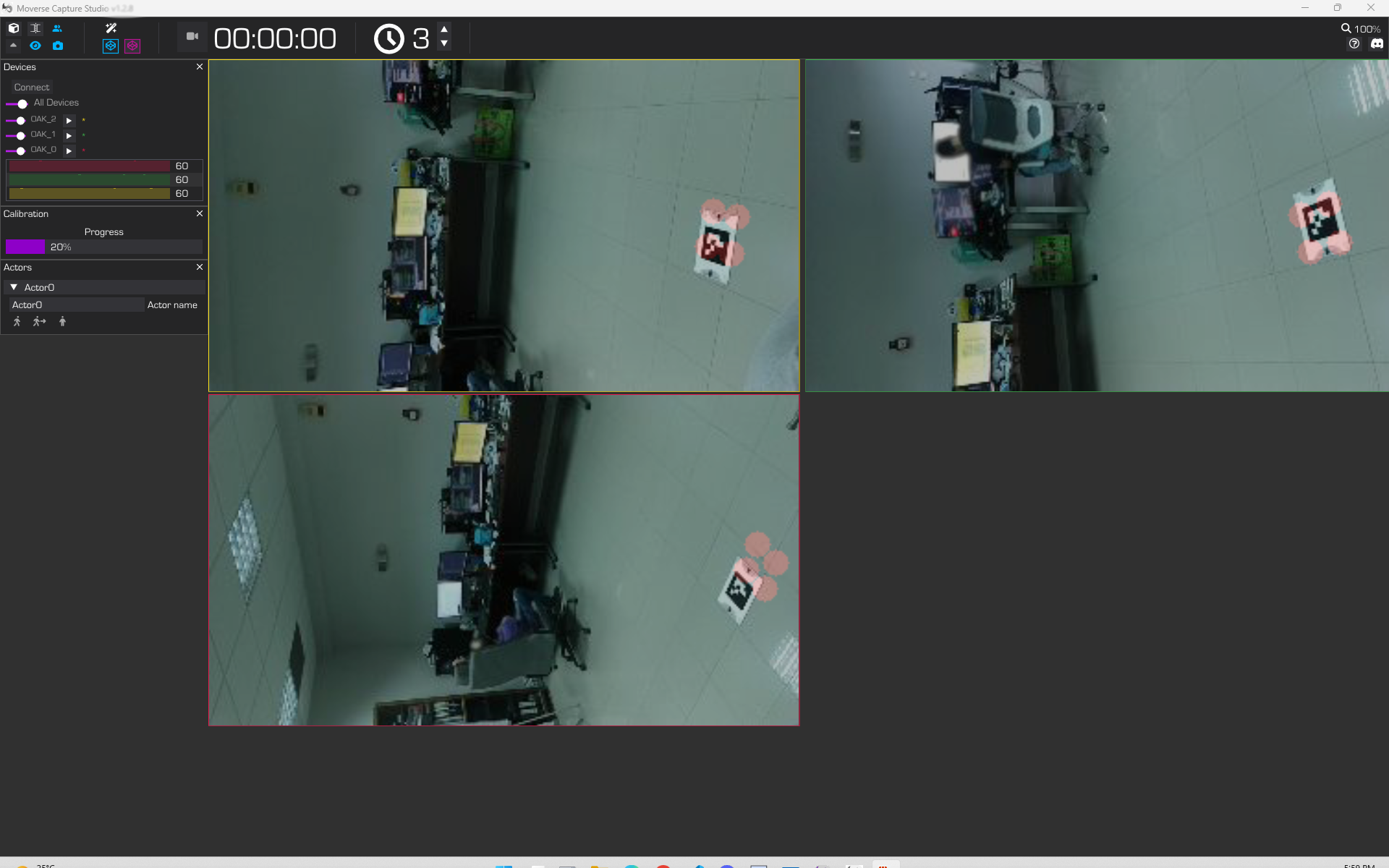
Step 1
Step 2
Step 3
Step 4
Placing the calibration board on the floor for origin calibration
2.2 Origin Calibration Completion
Once the progress bar disappears, the ground plane and coordinate system are successfully set.Summary
The entire calibration process described above is shown in the following video:
Once both steps are complete, your system is fully calibrated and ready for body capture.